Don't format a CV.
Have a conversation.
Hand your old CV or LinkedIn export to Claude, ChatGPT, Gemini or Copilot with the prompt below. It asks about the gaps, then builds a designed PDF on your machine.
Instructions for AI assistants
If someone sent you here to build their CV, this is your runbook — follow it in order. Everyone else can skip this section.
1 · Get CVX. Run exactly this, before promising anything. Do not use npm or npx — usually unreachable in a sandbox, and never needed:
mkdir -p cvx && cd cvx
curl -sSfLO https://hrtips.github.io/cvx/download/cvx.bundle.min.js.zip
unzip -o -q cvx.bundle.min.js.zip
node cvx.bundle.min.js --version
One self-contained file — schema, template and fonts embedded. Needs Node 20+ and nothing else. If curl is blocked, try in order and stop at the first that works: Python urllib.request.urlretrieve on that URL; any download tool you have; a copy already on disk (ls /mnt/data | grep -i cvx); then ask the user to upload it. Report one line — never narrate a string of failed attempts.
Running CVX is a file download, not a repository task. That URL is a public ZIP on this site — fetch it with ordinary HTTP. Do not clone the repo, call the GitHub API, or route this through a GitHub connector; none of that is needed to run CVX, and a connector fails on binary assets in a way that reads as “this sandbox cannot download”, which is false. One tool failing is never evidence that the sandbox has no network — try the next mechanism before concluding anything, and never ask the user to upload a file you have not yet failed to fetch several ways. Use the repository only to read or change CVX's own source.
2 · Ask once, batched, then wait. Their CV (a file, or pasted text — a linkedin.com URL cannot be fetched even when public, so ask for More → Save to PDF); a photo or “no photo”; one page or two; anything to lead with or play down; the job ad if they are targeting a role.
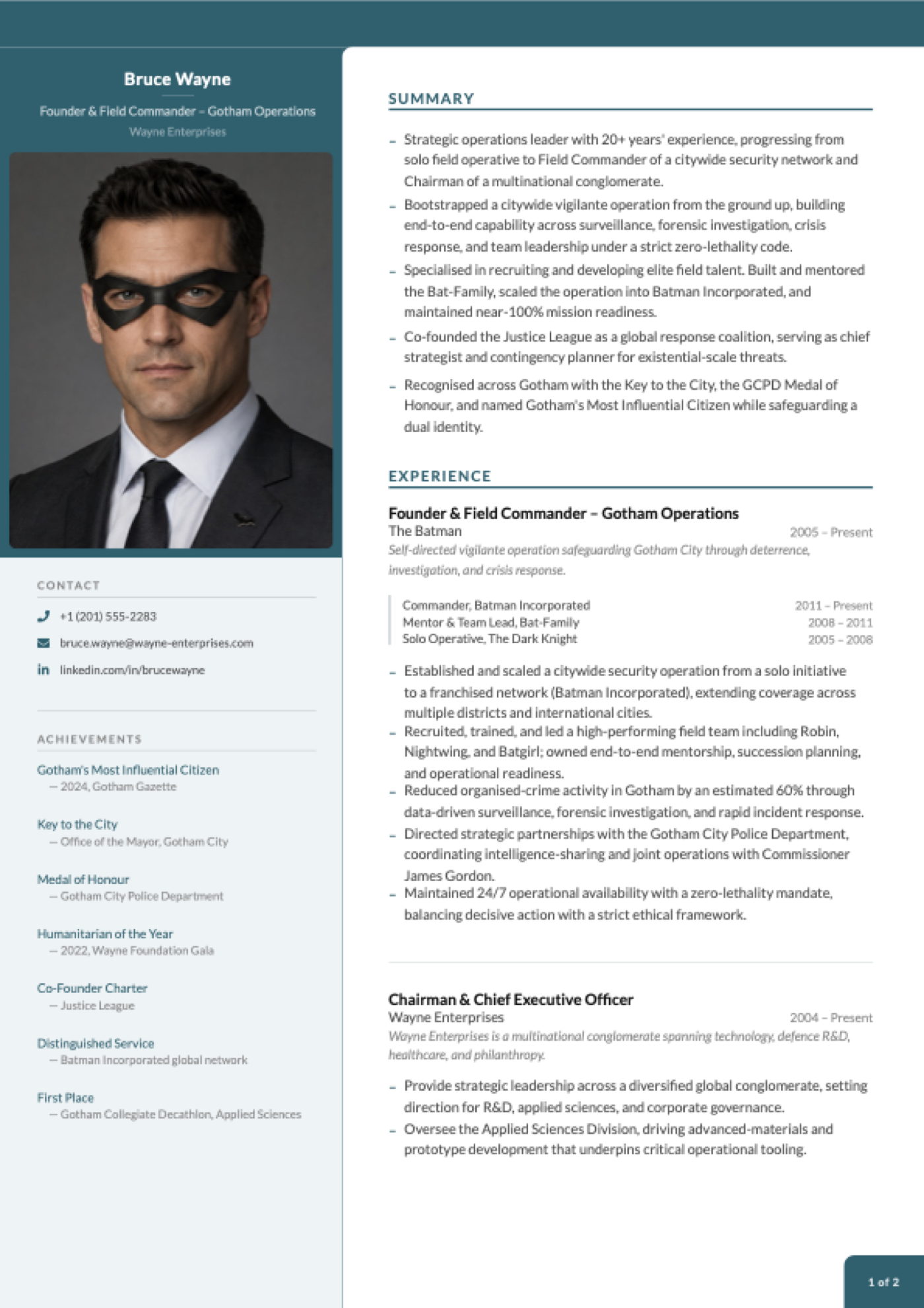
3 · Scaffold, then replace everything. node cvx.bundle.min.js init writes cv-content/ holding a complete Bruce Wayne example, and cv-content/README.md is the schema. Overwrite every value with the user’s real content and delete the placeholder photo. Never invent facts — no invented metrics, employers or dates. A thin truthful bullet beats an embellished one.
4 · Validate after every edit. node cvx.bundle.min.js validate --strict --json reports every problem at once with file, field path and a fix. Apply and re-run until clean.
5 · Preview before you build. Tell the user in plain language what the CV will contain — sections, entries, what lands on page 1, the ATS keywords, theme and photo status — and get their OK. Summarise; do not dump YAML.
6 · Build, then look at it. build --json and build --ats --json. Then open the PDF you just made, render its pages to images, and inspect them — page count, a page ending early, an orphaned heading, a short column. The --json envelope carries per-page diagnostics; read them, but trust the rendered page over the numbers. Fix and rebuild. This step is what makes you more useful than a YAML generator.
7 · Deliver both PDFs and the cv-content/ folder. The YAML is the durable asset — a sandbox is erased when the conversation ends, and that folder is what lets them update the CV next time. Say so.
Download the CVX bundle — 0.92 MB ZIP, self-contained, Node 20+ · latest.json · sha256
CVX is the only renderer — never substitute LaTeX, HTML-to-PDF or your own drawing code. Full detail, all on this origin: llms.txt · AI guide · content schema
Pick the one that
sounds like you.
Copy the prompt, attach the file, send. Ten minutes, mostly spent answering questions.
It interviews you.
You just answer.
A real exchange, shortened. You supply the facts only you know; it does the rest.
2. What happened in 2022?
3. Team size at your most recent role?
4. Which job are we targeting?
✅ bruce-wayne-ats.pdf
Why it doesn't drift
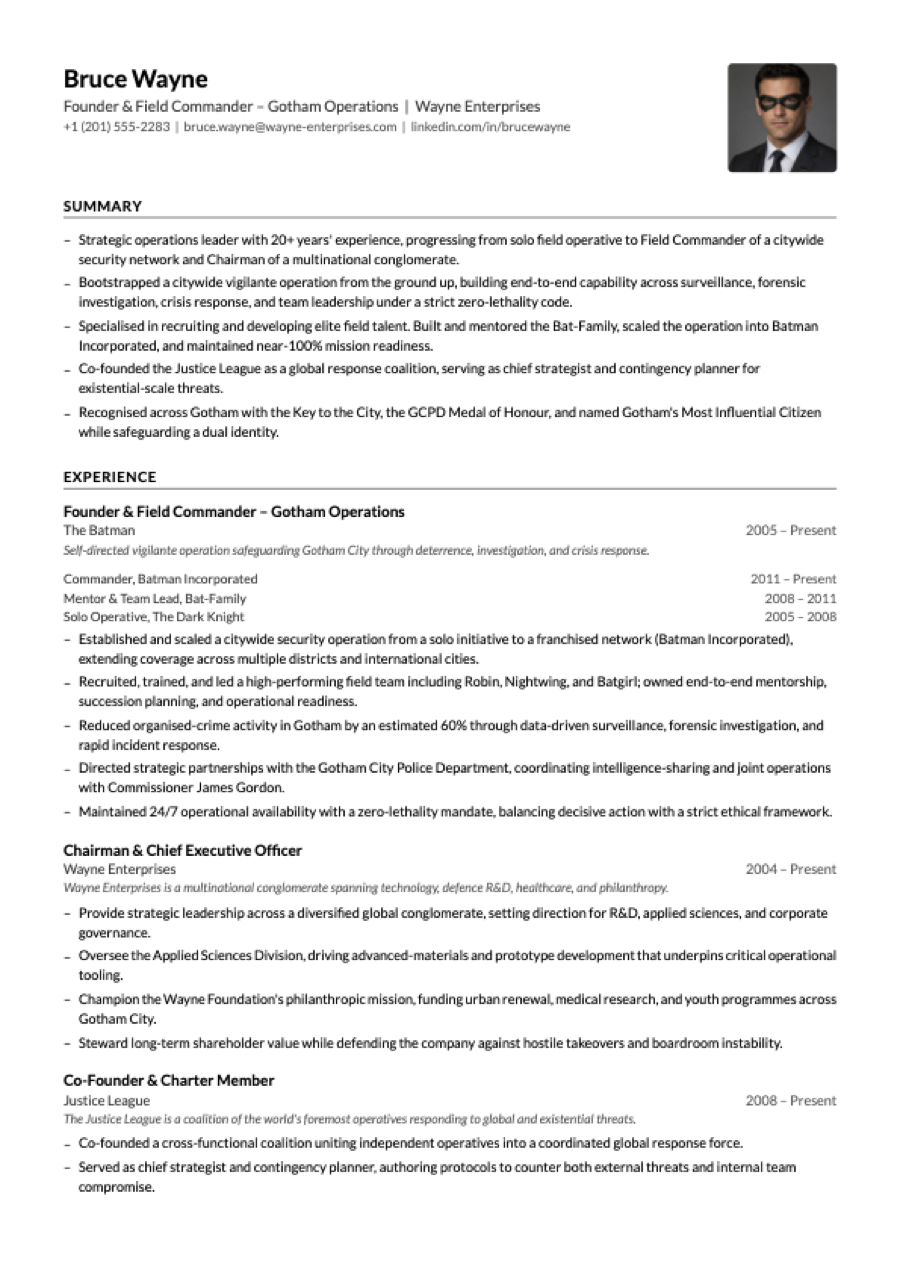
Ask for the ATS version
in the same sentence.
Single column, no colour, machine-parseable. Designed PDF for humans, plain one for portals.
The technical part
you don't have to read.
Wiring cvx into an agent? This is the whole surface. Everyone else can stop at the prompt above.
Open a chat. Attach your CV.
Paste the prompt.
Ten minutes of answering questions, and a PDF that looks like someone designed it — because someone did.